
WW5 is recognized as one of the most trusted online gaming platforms in Asia, especially among players looking for secure transactions, fast support, and a wide selection of games including sports betting, live casino, slots, fishing games, and modern arcade-style entertainment.
Before enjoying the platform’s games and betting features, players must first add funds to their account. This guide explains how to complete a WW5 Deposit quickly, safely, and efficiently.

Why Do You Need to Deposit on WW5?
Depositing funds is an essential step before participating in games or betting activities on the platform. Once your account balance is funded, you can:
- Access games such as live casino, slots, arcade games, and sports betting.
- Unlock promotions and rewards including welcome bonuses, cashback offers, and free bet campaigns.
- Play using real balance with opportunities to win larger rewards.
- Enjoy secure transactions protected by advanced encryption systems.
WW5 Deposit Methods Designed for Convenience
To provide a smoother experience for users, WW5 supports multiple deposit options:
1. Bank Transfer (Indian Banks)
A reliable payment method compatible with major banks and online banking systems. Funds are transferred directly from your bank account into the WW5 platform.
2. E-Wallet Deposits (Paytm & PhonePe)
Ideal for mobile users who want fast and flexible top-up options without visiting physical banking locations.
3. UPI QR Code Payments
One of the fastest deposit methods available. Simply scan the QR code provided by WW5, confirm the payment amount, and complete the transaction instantly without manual input.
WW5 Deposit Step-by-Step Guide
Step 1: Log In to Your WW5 Account
- Visit the official WW5 website and sign in using your username and password.
Step 2: Select “Deposit”
- From the homepage or menu section, click the Deposit button.
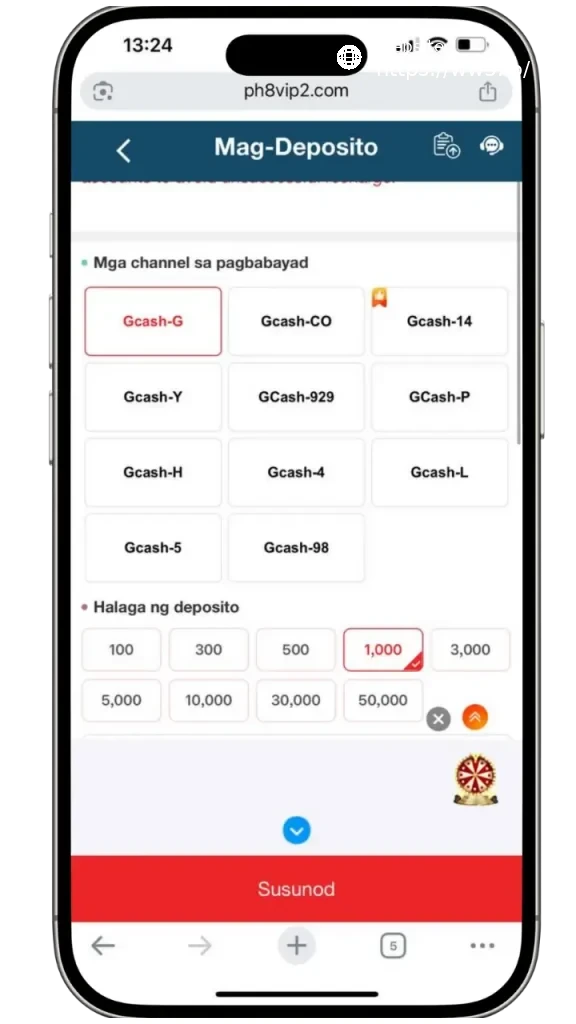
Step 3: Choose Your Preferred Payment Method
- Select your preferred option such as bank transfer, e-wallet, or UPI QR deposit.
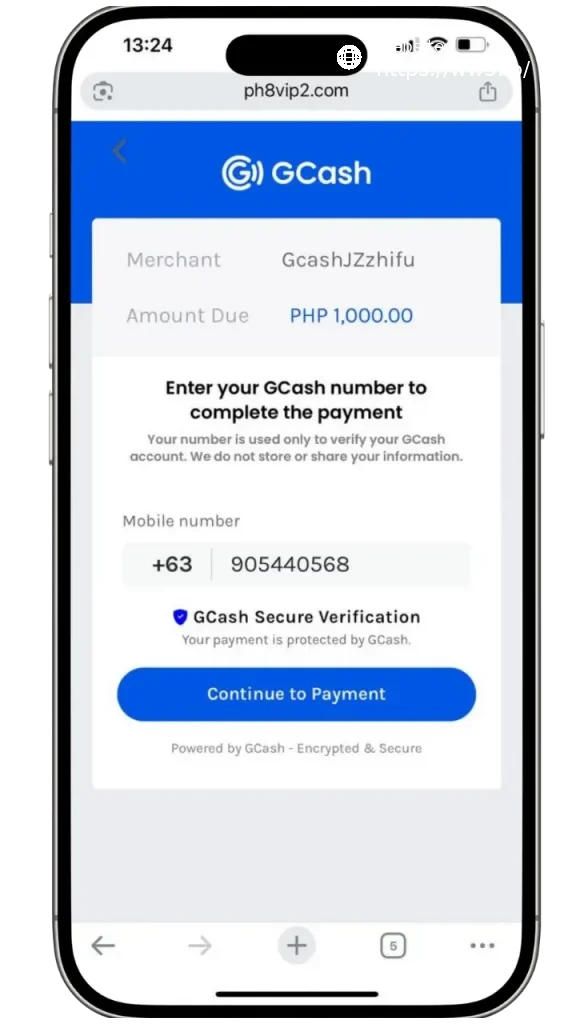
Step 4: Complete the Transaction Form
- For bank transfers: Enter the exact amount and transfer the funds to the bank details provided by WW5.
- For e-wallets: Enter the deposit amount and follow the payment instructions using Paytm or PhonePe.
- For QR payments: Scan the QR code using your payment app and confirm the transaction.
Step 5: Verify Your Deposit
After successful payment, return to the WW5 interface and enter the transaction details such as amount, time, and reference number, then press Confirm. In most cases, the balance appears within 1–3 minutes.

Frequently Asked Questions About WW5 Deposits
My deposit has not appeared. What should I do?
There may be a temporary delay in the system. Contact WW5 Live Chat immediately to verify your transaction.
Can I deposit using another person’s bank account?
This is not recommended. For security purposes, the account name should match your WW5 account information.
Does WW5 support automatic deposits?
Yes. QR and e-wallet transactions are usually credited automatically within minutes.
Does WW5 accept credit card payments?
Availability depends on the region and payment provider. For Indian users, UPI and digital wallets are generally the recommended payment methods.
Important Tips for Secure WW5 Deposits
- Always use the official WW5 website to avoid phishing or fake pages.
- Keep your transaction information private and secure.
- Do not share your WW5 account or banking details with others.
- Save transaction screenshots for reference if support verification becomes necessary.
Conclusion
Making a WW5 Deposit is simple and efficient. Within just a few minutes, players can fund their account and begin enjoying premium online gaming experiences.
Through modern payment systems, advanced security technology, and fast verification processes, WW5 makes deposits convenient for modern online gaming users.
Deposit today and begin your gaming journey on WW5 — your destination for entertainment, rewards, and exciting online gameplay.